Lifeline: How to Get Discounted Phone or Internet Service
Lifeline is the federal discount on phone or internet service for low-income households. Who qualifies, how much it's worth, how the National Verifier works, and how to keep the benefit once you have it.
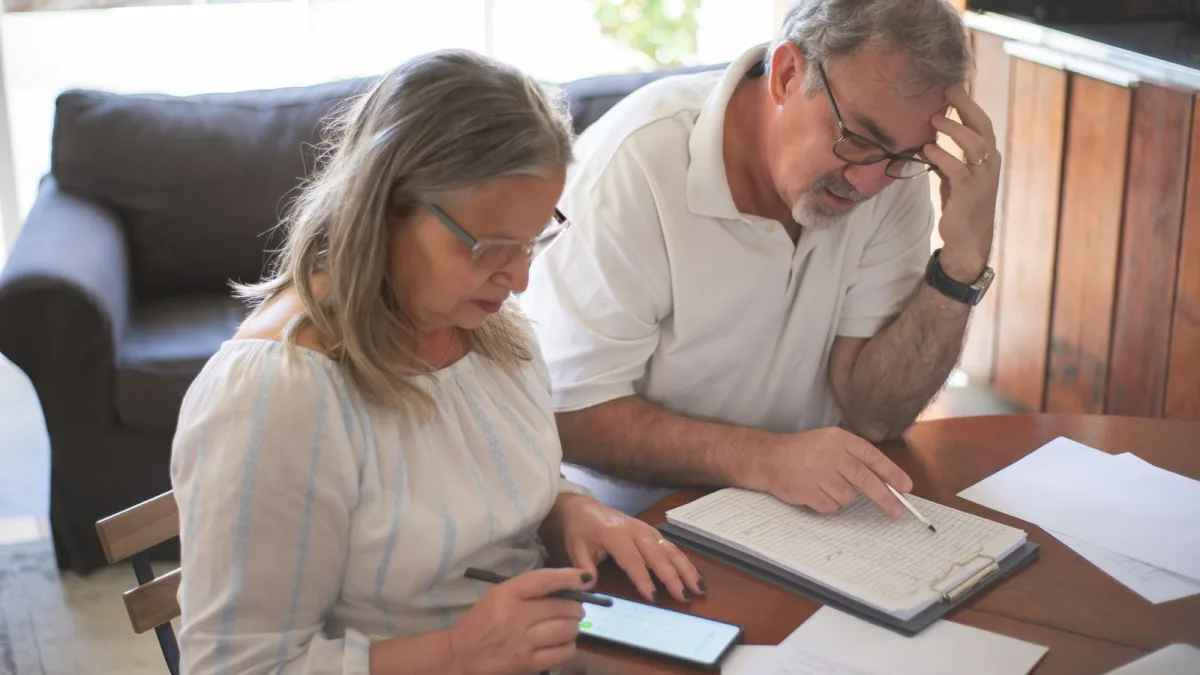
Lifeline is a federal program that lowers the monthly cost of phone or internet service for low-income households. USAC runs it, with the FCC overseeing. What you get is a discount on a monthly bill. The money goes to the phone or internet company, and federal rules require the company to pass the full amount through to you.
Below: how much it's worth, who qualifies, how the National Verifier works, and the three rules that cause most people to lose the benefit.
How much Lifeline takes off your bill
USAC lists the standard benefit as up to $9.25 a month on internet or bundled service, or up to $5.25 a month on phone-only service. So a voice-only cell plan earns the smaller discount. A plan that includes internet access, whether on its own or bundled with calling, gets the larger one.
On Tribal lands the figure rises to up to $34.25 a month on phone, internet or bundled service. That's the $9.25 basic support plus up to $25 a month in extra support that the rule provides for eligible residents of Tribal lands.
Who qualifies
There are two routes in, and you only need one.
By income. Your household income must be at or below 135% of the Federal Poverty Guidelines for your household size. USAC's current table uses the 2026 guidelines and varies by household size and state. In the 48 contiguous states, D.C. and the territories, the limit is $21,546 for one person and $44,550 for a household of four. If you live in Alaska or Hawaii, check your own column in the table on lifelinesupport.org.
By program. You qualify if you, a dependent or your household gets benefits from Medicaid, SNAP, SSI, Federal Public Housing Assistance or the Veterans and Survivors Pension Benefit. It also counts if it's your child or dependent who's enrolled in the program.
One benefit per household
Only one Lifeline discount is allowed per household, and USAC defines a household as people who live together and share income and expenses. The regulation says the same thing in stricter terms: people living at the same address as one economic unit, related or not.
What this means in practice: a married couple gets one discount, not two. Two roommates who split rent but keep their money separate are a different case, since they don't share income and expenses. If someone at your address already has Lifeline, sort out which of you keeps it before you apply.
How to apply
The central piece is the National Verifier, Lifeline's application system run by USAC. It decides if you're eligible. It first tries to confirm you through automated databases. If it can't find you, you'll be asked to send documents for manual review.
You have three ways in: online, through a participating phone or internet company, or by mail to Lifeline Support Center, PO Box 1000, Horseheads, NY 14845. Living in Oregon or Texas? Apply through your state's website instead.
What to have ready
- Your full name, date of birth, home address, and the last four digits of your Social Security Number or Tribal ID number.
- If you qualify through a program, a benefit letter or other official document.
- If you qualify through income, a tax return or three months of consecutive pay stubs.
No permanent address? You can use a temporary one, such as a shelter or a relative's or friend's place, or describe where you physically live.
Stuck on a form? The Lifeline Support Center answers at (800) 234-9473 every day from 9 a.m. to 9 p.m. Eastern time. The prefix on that line is one of the codes explained in our guide to toll-free numbers.
After approval: pick a company
Being approved doesn't switch anything on. You still have to choose a phone or internet company that offers Lifeline and sign up with it. Ask what service it offers at your address and how the credit shows up on the bill. Torn between a home internet phone and a traditional line? Our comparison of VoIP vs. traditional phone service covers emergency calls and outages. And if you call relatives in another country, ask how the plan handles those calls before you sign; our guide to calling family abroad lists the usual options.
You can change companies at any time, though you may need to reapply to confirm you're still eligible. The benefit itself can move to a new company once a month.
How to keep the benefit
Three rules trip people up.
Recertify every year. USAC, or the state in Oregon and Texas, checks each year that you still qualify. If it can't confirm it automatically, you'll get an email or a letter. Once you're asked, you have 60 days to recertify or you lose the benefit. Don't let that envelope sit in a pile.
Use it or lose it. If you don't pay anything out of pocket for your Lifeline service, you must use it at least once every 30 days, or you get a 15-day notice before it's turned off. Ask your company what counts as use, and put a reminder on a phone you rarely touch.
Report changes. Tell your company within 30 days if you change address, stop qualifying, or find that more than one person in the household gets Lifeline.
If you think someone used your information to sign up for Lifeline, call the FCC's Lifeline Fraud Tip Line at (855) 455-8477. The same caution applies to unexpected calls in general; our piece on one-ring phone scams shows a common one.
Lifeline on Tribal lands
Residents of qualifying Tribal lands can also qualify through Bureau of Indian Affairs general assistance, Tribal TANF, Head Start (income-qualified households only) or the Food Distribution Program on Indian Reservations. USAC's Tribal Lands Verification Tool shows whether an address is on qualifying Tribal lands, but it doesn't establish eligibility by itself.
Link Up is the setup-cost benefit on qualifying Tribal lands. It takes up to $100 off the initial setup fee for phone service at your home, and if setup costs more than $100, it can give you a no-interest payment plan of up to $200 for one year. It's one time per address, and you can ask again each time you change your primary residence.
FAQ
How much does Lifeline save per month?
Up to $9.25 on internet or bundled service, or up to $5.25 on phone-only service. On Tribal lands, up to $34.25.
Can two people in the same house get Lifeline?
Not if they're one household, meaning they live together and share income and expenses.
Why did my Lifeline service get turned off?
The usual reasons are a missed recertification or not using a free service for 30 days. Contact your company first.
Can I switch Lifeline providers?
Yes, at any time, and the benefit can move once a month.
Sources
- Universal Service Administrative Company (USAC): About Lifeline (accessed 2026-09-24)
- Universal Service Administrative Company (USAC): Lifeline Program: Get Phone or Internet Service for Less (accessed 2026-09-24)
- Electronic Code of Federal Regulations (eCFR): 47 CFR 54.403 Lifeline support amount, eCFR, up to date as of 9/22/2026 (accessed 2026-09-24)
- Universal Service Administrative Company (USAC): Lifeline Frequently Asked Questions (accessed 2026-09-24)
- Electronic Code of Federal Regulations (eCFR): 47 CFR 54.409 Consumer qualification for Lifeline, eCFR, up to date as of 9/22/2026 (accessed 2026-09-24)
- Universal Service Administrative Company (USAC): How to Qualify (2026 Federal Poverty Guidelines) (accessed 2026-09-24)
- Electronic Code of Federal Regulations (eCFR): 47 CFR 54.400 Terms and definitions, eCFR, up to date as of 9/22/2026 (accessed 2026-09-24)
- Universal Service Administrative Company (USAC): National Verifier (accessed 2026-09-24)
- Universal Service Administrative Company (USAC): How to Apply (accessed 2026-09-24)
- Universal Service Administrative Company (USAC): Tribal Lands Benefit (accessed 2026-09-24)